UCSF Accessibility Template and Course Design
At UCSF, a mandate was shared that all courses on the LMS needed to be WCAG compliant and accessible by the spring of 2026; and our team needed to begin the work of remediating over 200 live Storyline 360 compliance and safety trainings on a tight deadline. My role included serving as the accessibility liaison, generating a temple to support my team with remediation, and designing a course for best practice in digital training and resource creation for instructional designers at UCSF.
AUDIENCE
A network of over 8,00 learners; every UCSF employee required to complete regulatory and compliance training — safety, hospital procedures, sexual harassment, and more — plus instructional design teams across UCSF, including Apex and Nursing Education.
RESPONSIBILITIES
Accessibility Liaison
Template and Standards Design
External Research and Best-Practice Dissemination
Training Design and Facilitation
TOOLS
Articulate Storyline 360
UCOP and Accessing Higher Ground Research
Workshop and Course Design

Problem
Fixing a course for accessibility isn't just editing it — every single change then has to be verified by testing the course live on the learning platform using a screen reader, a manual process that often took three full days per course. With over 40+ courses needing this work and a legal deadline under six months away, testing alone at that pace would have taken well over a year — the math simply didn't work without changing the process itself.
Solution
Instead of fixing and testing each course one at a time, I built a template with the accessibility fixes already embedded and pre-verified, so designers only had to apply it and confirm their specific content still worked — not re-test the entire screen-reader experience from scratch every time. That shift is what made remediating all 40+ courses inside the deadline possible at all.
My Process
01
RESEARCH & BENCHMARK
Attended UC Office of the President system-wide briefings and the Accessing Higher Ground conference in Colorado, combined with independent research, to ground the effort in real WCAG standards for e-learning.
02
BUILD AND TEST THE TEMPLATE
Led a team of instructional designers building an accessibility template with embedded Read Me guidance, using Storyline's Master Slide functionality to bake accessibility controls directly into the file — tested internally, iterated, then released.
03
TRAIN AND REMEDIATE AT SCALE
Delivered in-person workshops and a dedicated course on digital accessibility best practices, then led the remediation of the top 40 high-traffic live courses to meet the deadline.
DEFINE THE GOAL
A legal deadline; not a nice to have
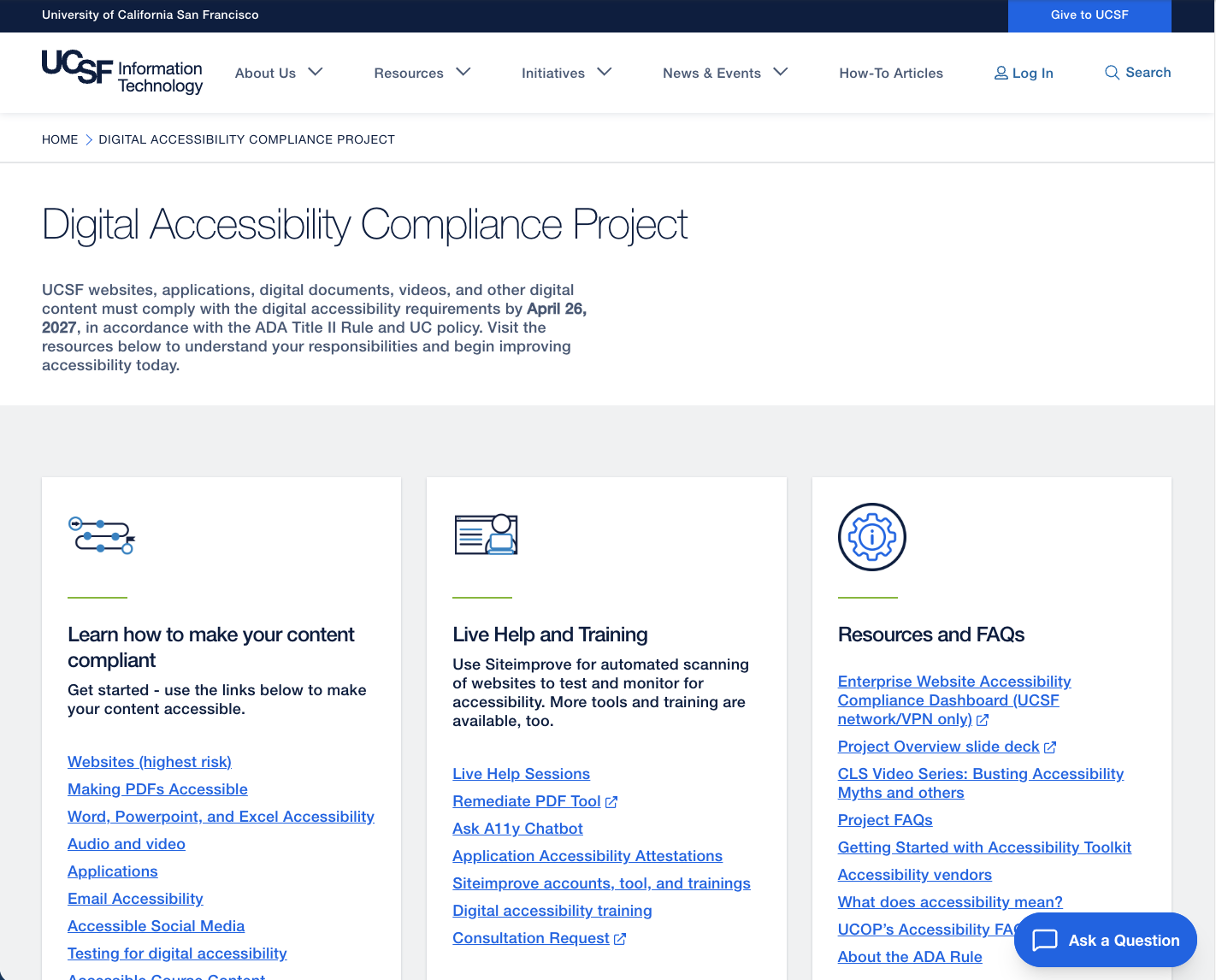
Our team served as the curators and administrators of UCSF's regulatory and compliance training LMS — the system disseminating legally required training on safety, hospital procedures, sexual harassment, and more to the entire institution.
When the UC System mandated WCAG compliance across the LMS by spring 2026, we had under six months to remediate more than 200 live, high-traffic Storyline 360 courses.
This wasn't a quality nice-to-have: the UC Information Technology Accessibility Policy requires WCAG 2.0 Level AA compliance for all web-based content, with real ADA and Section 508 exposure — audit and fine risk for the university — if we missed it.
DESIGN THE SOLUTION
Building the Fix Once, Applying It Everywhere
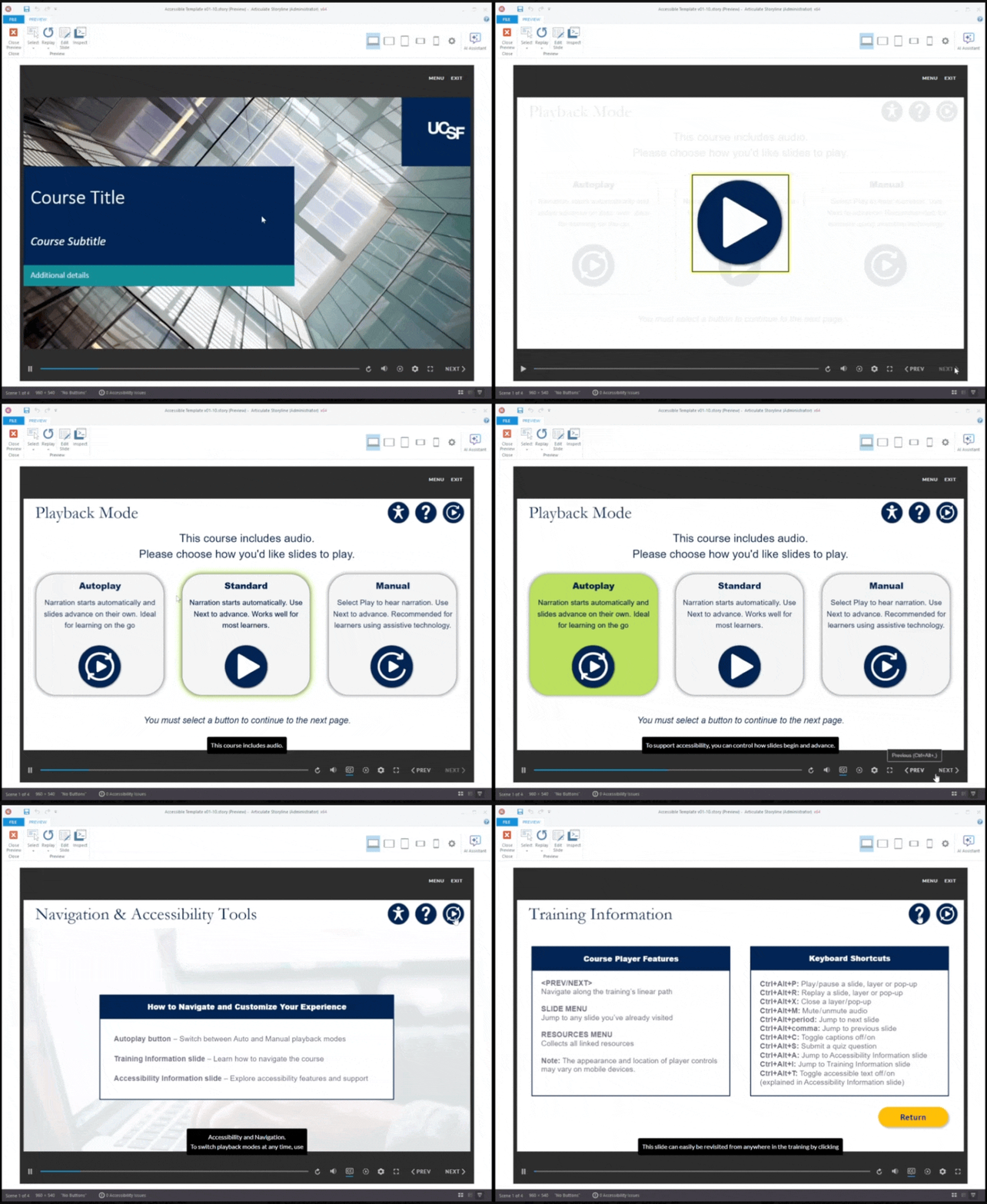
Rather than remediate 40+ full length courses by hand one issue at a time, I led a team of instructional designers in building a single accessibility template — addressing autoplay and manual audio controls, captioning, screen-reader compliance, color contrast, alt text on every element, and correct focus order across Storyline slides. Complex interactivity required a deeper audit, often needing custom code to ensure screen-reader compliance.
Using Storyline's Master Slide functionality, I embedded the accessibility controls directly into the template file itself: designers simply imported their existing slides and applied the master slide. We tested the template internally, iterated based on what we found, then released it to the full team — cutting remediation time by a third.
DEVELOP THE EXPERIENCE
Scaling the Solution, Beyond our Own Team
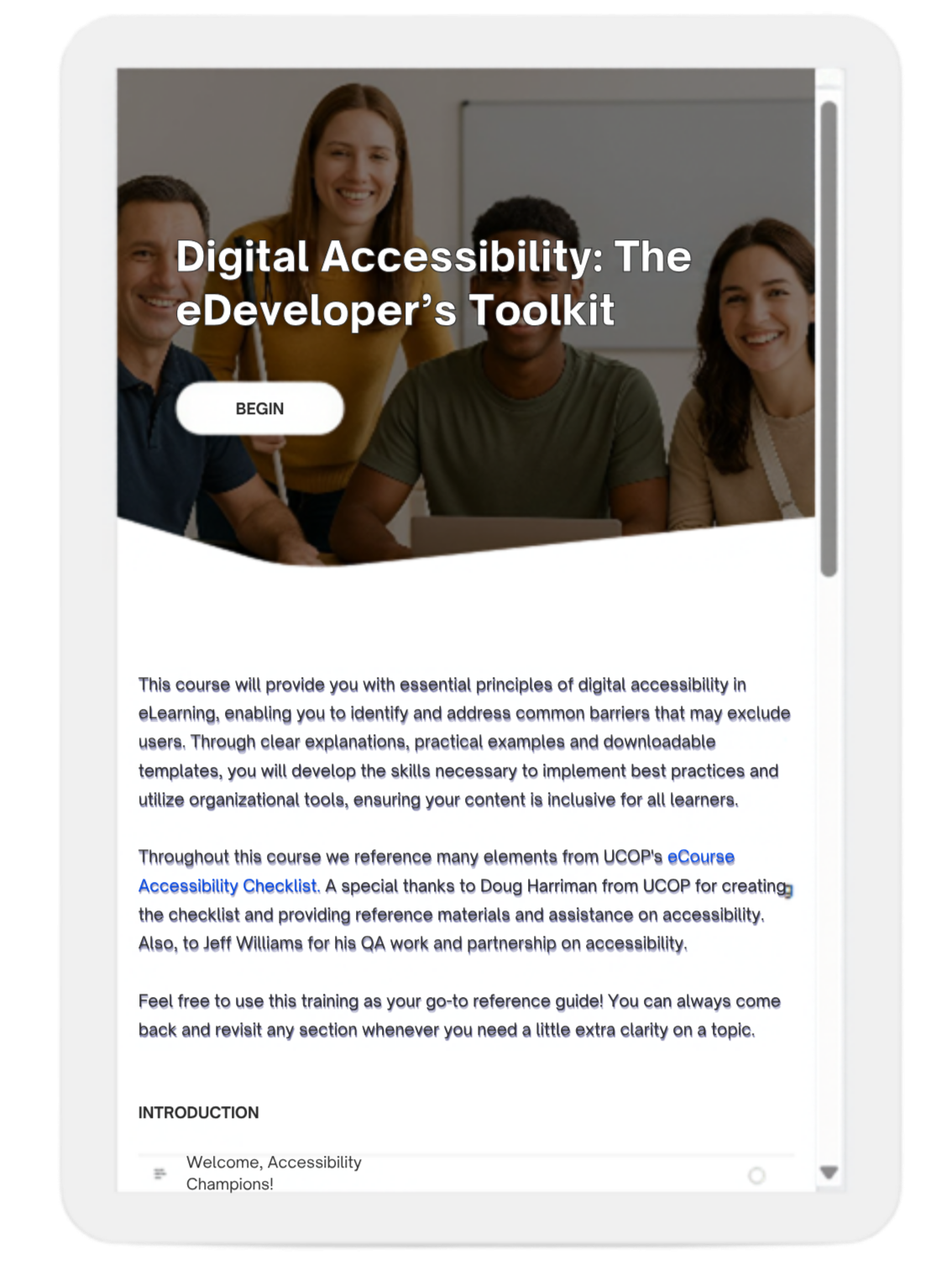
I co-designed Digital Accessibility: The eDeveloper's Toolkit — a self-paced reference course built around the POUR principle (Perceivable, Operable, Understandable, Robust) — to turn "Accessibility Champions" across UCSF into practitioners who could identify and fix barriers themselves.
The template and course became UCSF's default accessibility standard, disseminated as a shared resource that teams including Apex and Nursing Education adopted directly — independent of any single project, and built to outlast the deadline that prompted it.
RESULTS
In plain terms: every employee at UCSF can now access required safety and compliance training regardless of disability, and the university avoided a real legal and financial risk — made possible in part by my effort to build one reusable fix instead of solving the same problem over and over again.
40+
Highest traffic courses fully remediated by the deadline
>6 mo.
From mandate to compliance
-33%
Remediation time, per-course, using the template
To see more projects visit my projects page!