
Shade Matching 101
Kendo sought quick, snackable e-learning solutions for on-the-floor retail training that was fun and accessible to employees who might be new to the realm of makeup retail.
These games were designed for use by employees at Sephora to learn different aspects of makeup and selling beauty products.
AUDIENCE
RESPONSIBILITIES
Instructional Design
Storyboarding
Action Mapping
eLearning Development
TOOLS
Articulate Software
Adobe Photoshop
Adobe Illustrator
Microsoft Office Suite

Problem
Retail sales employees are joining with even less expertise than ever before in a post-covid environment. Even shorter yet are attention spans in a time when Tik Tok reigns. How do we enlist employees in D
Solution
Retail sales employees are given less than 5 minutes on the floor for an interaction with a field team member from our company. We know they are very motivated by gratis, and so we linked these games along with a short retention activity in order to earn a free product sample.
My Process
01
DEFINE THE GOAL
Through researching and action mapping, I analyze learner’s needs, identify key performance problems, and determine a series of high-priority actions to address these issues.
02
DESIGN THE SOLUTION
After identifying key actions, I create an immersive storyboard showcasing real-life problems and their consequences. I also create a prototype with all necessary visual and interactive elements.
03
DEVELOP THE EXPERIENCE
Once I receive feedback and have a signed-off prototype; I use authoring tools to develop the entire experience with a focus on every detail. This step includes extensive testing and iterations.
DEFINE THE GOAL
Research + Interviews
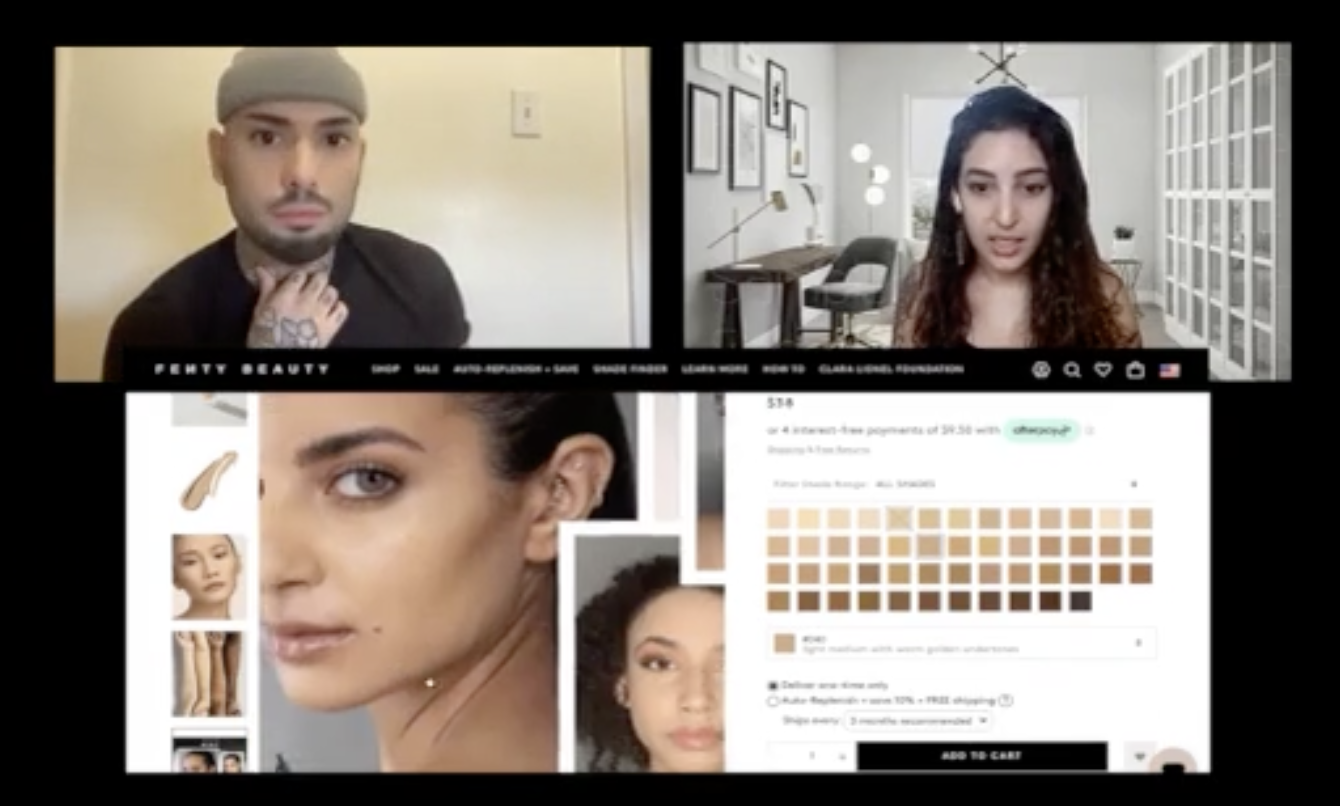
Kendo noticed the need to improve shade matching training at Sephora because efficient matching leads to higher sales.
I organized and observed shade matching sessions with professional trainers, and identified common mistakes through a poll among store leaders. I also went undercover at Sephora for a firsthand observation.
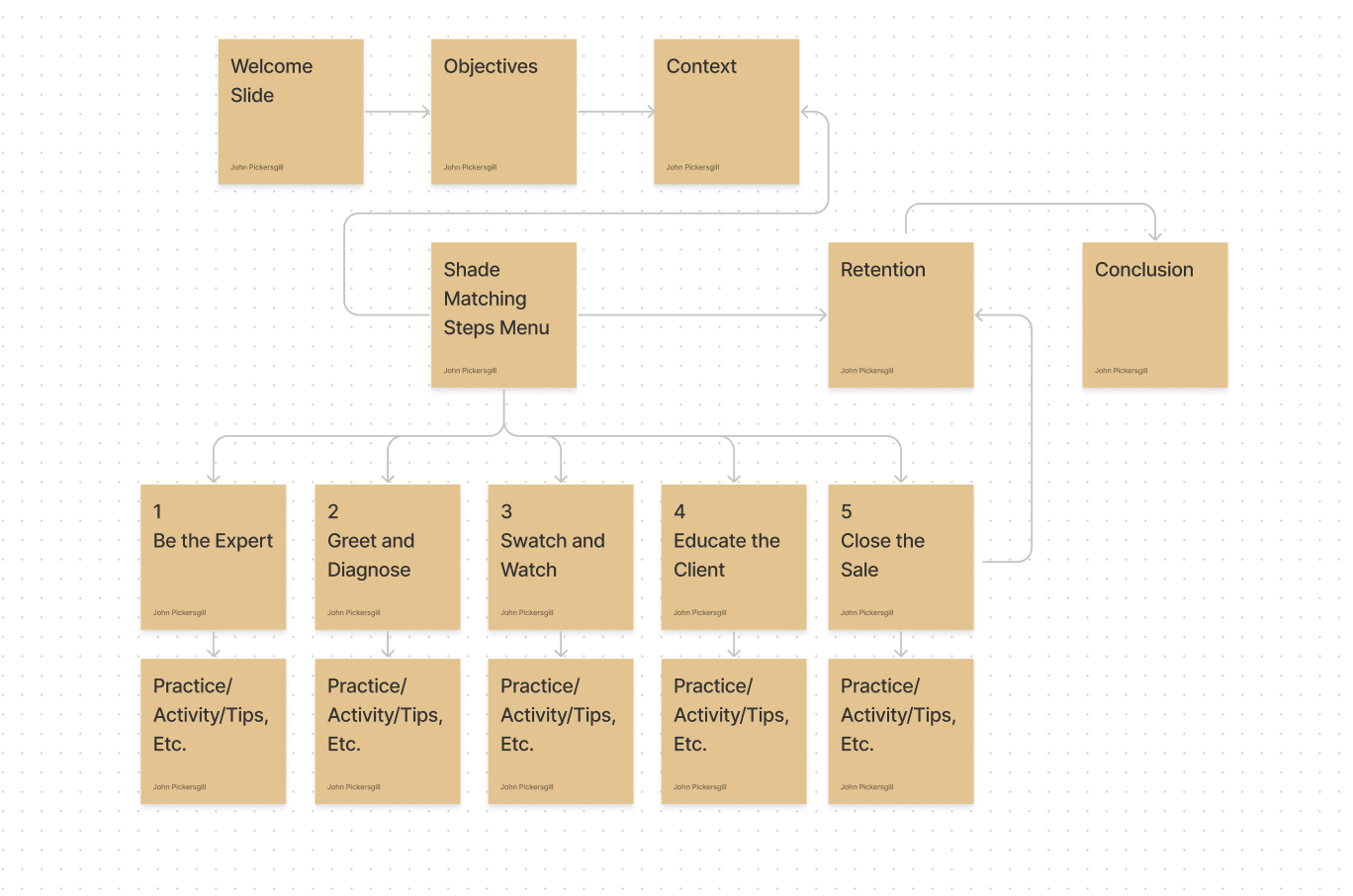
My analysis resulted in the creation of an outline of information and an action map to display the relation of the concepts being presented in the simplest and easy to digest format.
DESIGN THE SOLUTION
Text-based Storyboard
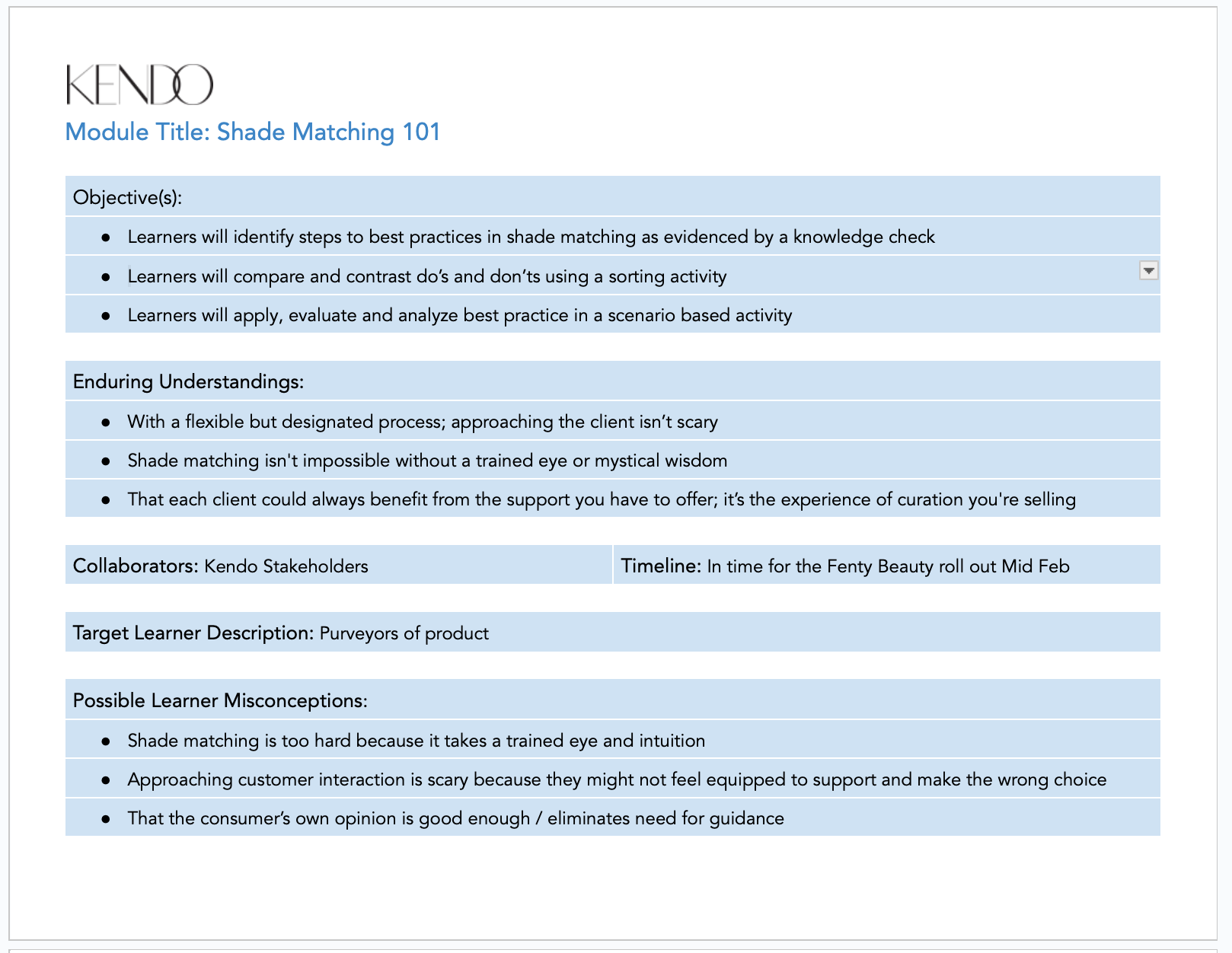
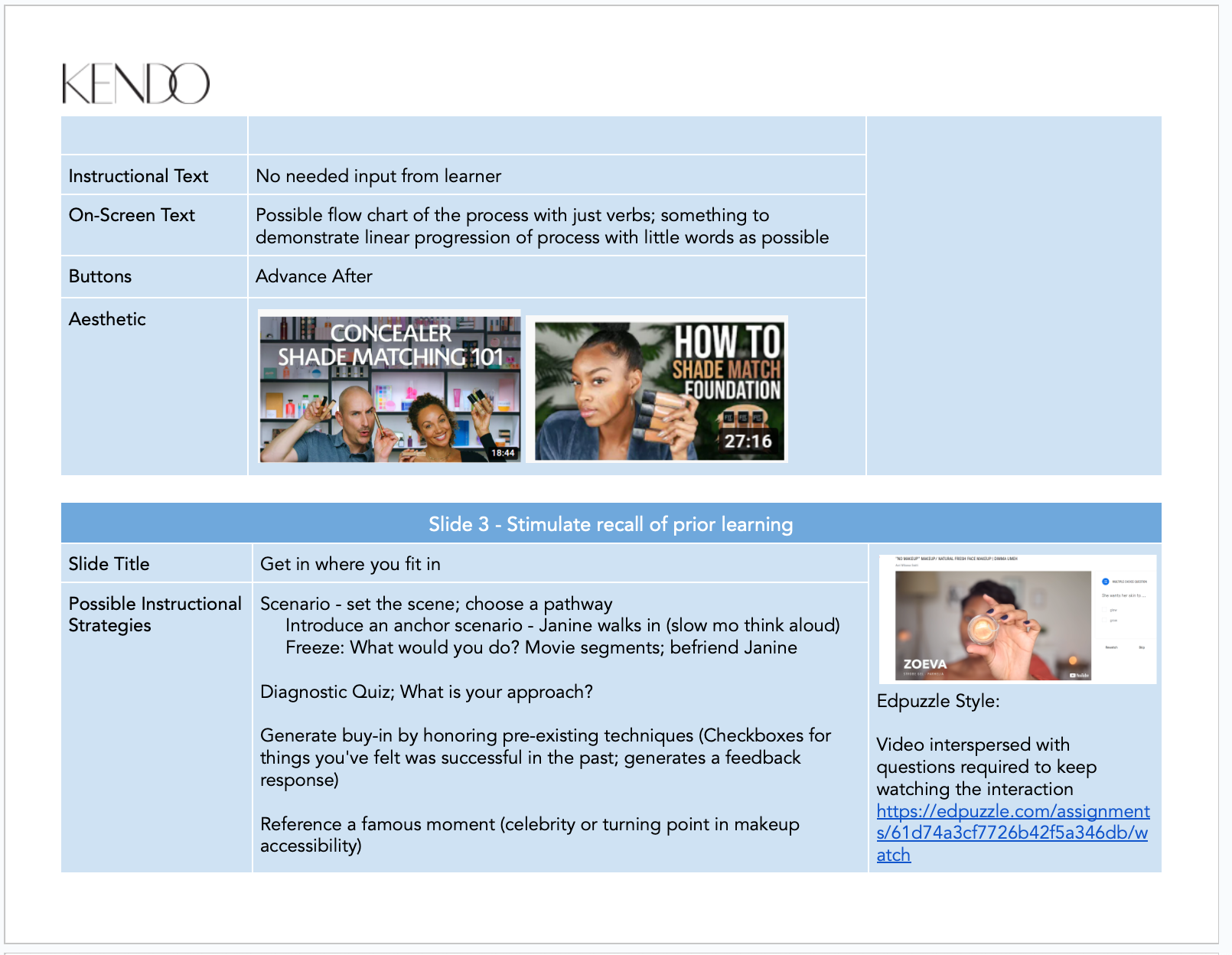
After distilling the research into steps and showcasing the flow of the learning, I created this text-based storyboard that offered options on how to expand upon the concepts and proposals for different educational strategies that could be used to present the info in an engaging format.
It also presented differentiated pathways for multiple learning styles and anticipated misconceptions to remedy potential learning gaps based on the prior research.
DEVELOP THE EXPERIENCE
Prototype + Reviews
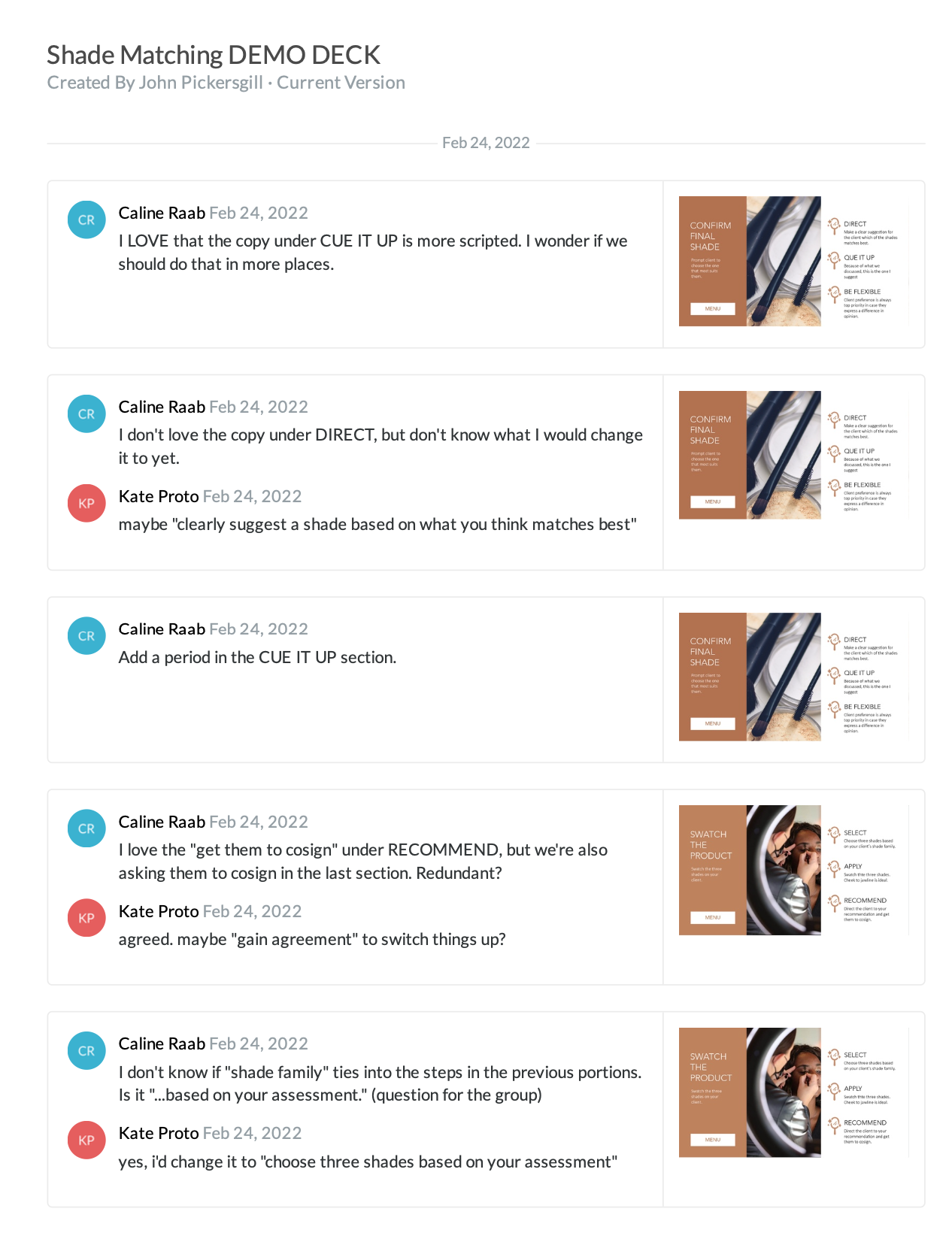
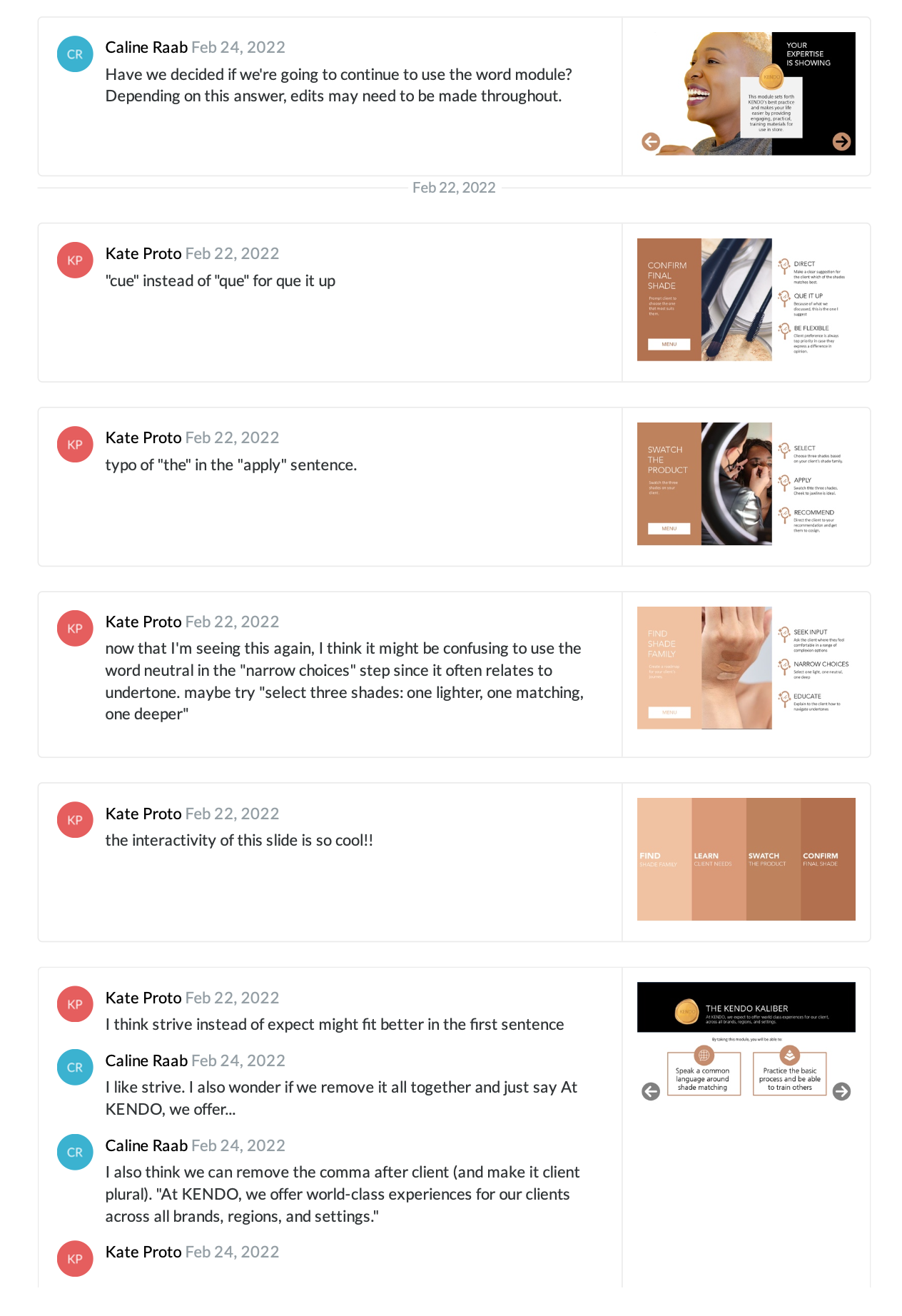
Upon aligning with stakeholders on the format of the e-learning, I built out a functional prototype that underwent several rounds of feedback to ensure that the product accurately represented the intended outcome.
The prototype evolved with consideration to shortening the copy, adjusting formatting for premium accessibility, and modifying the imagery included to showcase an optimally wide array of foundation shades for inclusivity.
RESULTS + TAKEAWAYS
Implementation
This module was launched on our company wide LMS and sent out to our global regions for translation and localization. Our team tracked retention to measure the efficacy of the e-learning at assessing the intended objectives.
Evaluation
Ten learners received follow-up emails with a survey asking them to rate the e-learning's real-life practicality, accuracy, and length. This module received an average of 3/3 stars for each category.